
Home / Church Livestreaming / Operator Path
Operator Path · Lesson 13 of 15
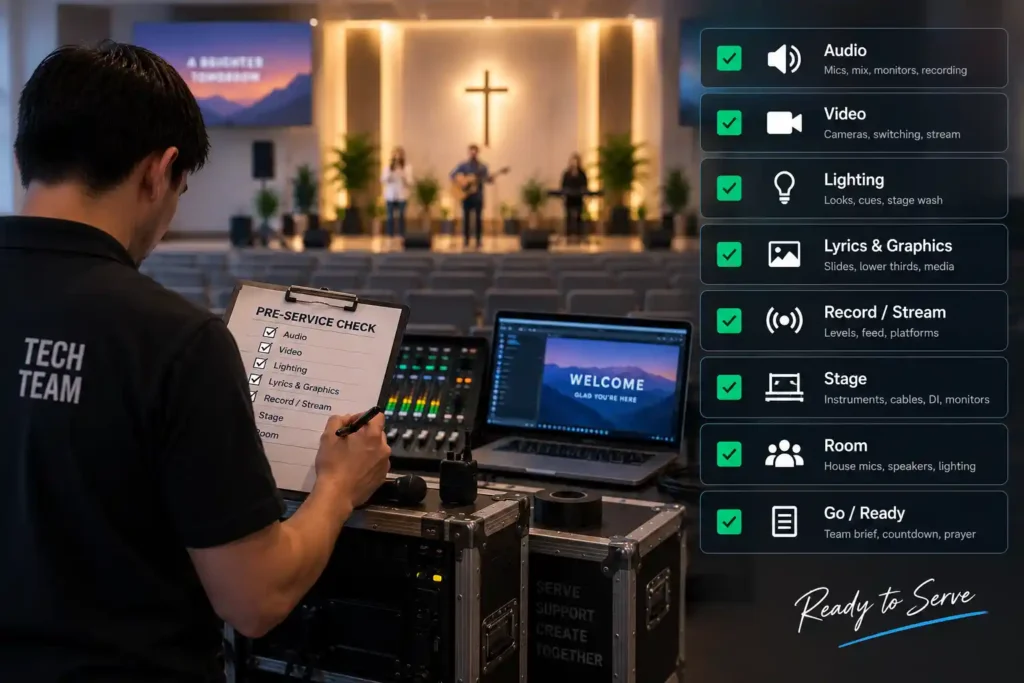
This is a printable checklist to work through right before opening the broadcast to the audience. Go through the items in order. If something doesn’t check out, fix it before moving to the next one.
Camera(s)
- ☐ Every camera shows a picture in OBS’s preview.
- ☐ Framing is correct (medium shot/medium close-up with generous headroom, not too tight).
- ☐ No menu overlay or settings screen is visible on the camera.
- ☐ The picture is sharp, not blurry or at the wrong zoom.
- ☐ White balance looks natural, with no color cast.
Audio
- ☐ Audio level shows and moves on OBS’s meter during speech or music.
- ☐ The correct audio source is selected (not a wrong or muted input).
- ☐ The signal comes from the mixer’s aux output (or the documented Main L/R compromise, if no free aux output is available).
- ☐ No distortion (the level isn’t constantly hitting red).
- ☐ Headphones carry the same audio that’s going out to the stream.
Network and stream connection
- ☐ The internet connection is stable (no repeated dropouts during testing).
- ☐ The broadcast software isn’t reporting a connection problem, and the dropped-frames count isn’t rising during testing.
- ☐ Other devices sharing the same network have been identified and aren’t interfering with the broadcast.
OBS
- ☐ The correct scene is selected in Program, not just in preview.
- ☐ The stream key is saved in settings and the destination platform is correct.
- ☐ The broadcast event is scheduled and correct (title, description, privacy setting all up to date).
- ☐ Recording is on, if used as a backup.
Backup arrangements
- ☐ Backup cables (HDMI, power, audio) are on site, and their location is known.
- ☐ A fallback plan for a disruption exists and the operator knows it (see the next article).
- ☐ A backup contact is available if the operator needs help during the broadcast.
Logging deviations
- ☐ If anything above deviated from normal (for example, a cable was swapped, or the audio was set louder than usual), write it down after the broadcast.
- ☐ The log is always kept in the same place, where the next operator will find it.
What to Remember
- The checklist is worked through in full every time, even after a broadcast that went smoothly.
- Every item is checked before going live, not afterward.
- Deviations are always logged — they help the next operator and reveal recurring problems over time.